
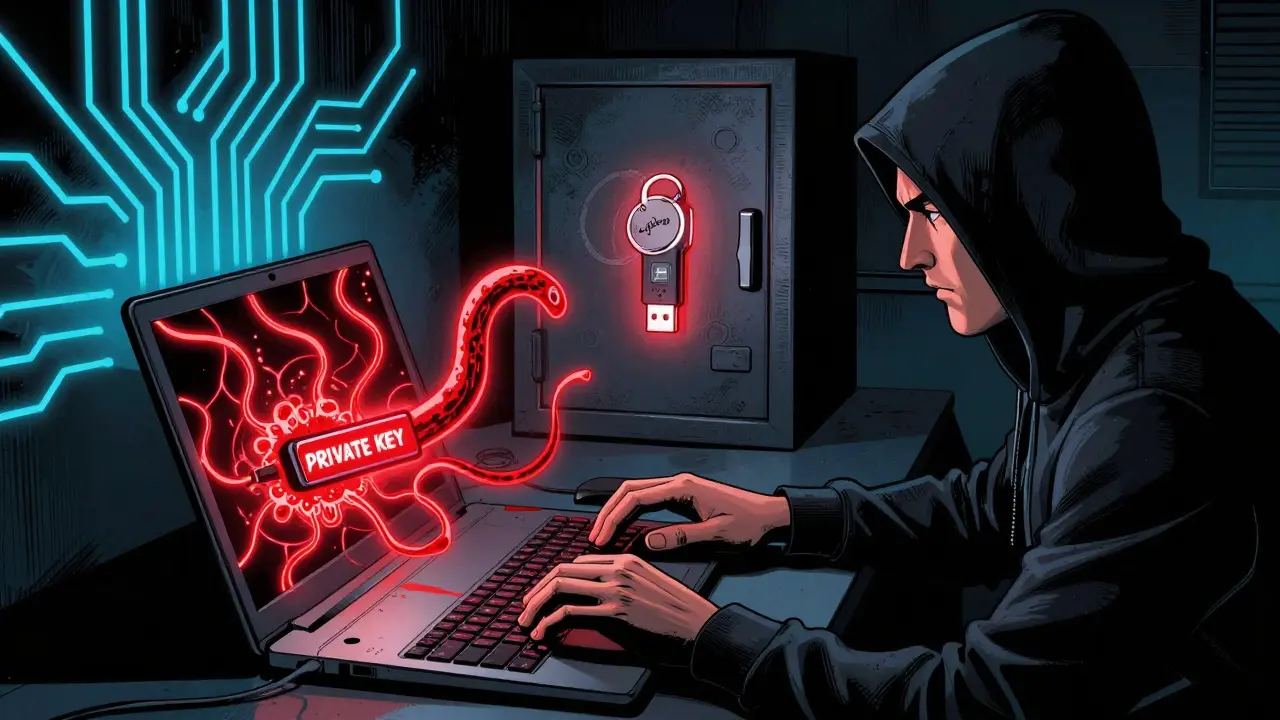
If you’re holding any cryptocurrency, running a blockchain node, or managing digital identities on-chain, your private key is the most important thing you own. Lose it, and your assets are gone forever. Leak it, and someone else can drain your wallet in seconds. There’s no recovery, no customer service line, no password reset. Just silence and a empty blockchain ledger.
That’s why how you store your private key isn’t just a technical detail-it’s the difference between financial security and total loss. In 2026, with $600 million stolen in a single breach from the Wormhole bridge and daily attempts to steal keys through phishing, malware, and insider threats, cutting corners is no longer an option.
Why Software Storage Alone Is a Risk
Storing private keys as plain files on your computer, phone, or cloud drive sounds simple. But it’s also the most common way people get hacked.
In 2021, the Codecov breach happened because a developer accidentally uploaded a private SSH key to a public GitHub repo. That one mistake exposed 29,000 companies. In 2022, a developer at a DeFi startup stored a key in a Notion doc. Someone phished their login. $18 million vanished overnight.
Even encrypted files aren’t safe if the passphrase is weak, reused, or stored alongside the key. Malware like RedLine and Raccoon Stealer scans for .pem, .key, .json, and .wallet files automatically. If your key is on a device connected to the internet, it’s under constant threat.
And don’t trust “secure” apps that claim to store keys for you. If the app can access your key to sign transactions, so can a hacker who compromises the app-or the company behind it.
The Gold Standard: Hardware Security Modules (HSMs)
The strongest way to store private keys is inside a Hardware Security Module-a dedicated, tamper-resistant device built to never let the key leave its secure chip.
HSMs like the Thales nShield or YubiHSM 2 meet FIPS 140-2 Level 3 or 4 standards. They generate keys inside the device, process signatures internally, and refuse to export the key even under physical attack. If someone tries to pry it open, the chip self-destructs.
Enterprise HSMs cost between $2,000 and $50,000. They’re overkill for individual users, but essential for organizations managing multiple wallets, smart contracts, or validator nodes. Financial firms, exchanges, and institutional stakers use them because they’re the only solution that meets PCI DSS, GDPR, and FIPS compliance.
Setting up an HSM takes 80-120 hours of specialized work. You need trained staff, proper integration with your infrastructure, and documented policies. But once running, they offer 99.999% uptime and process 10,000-50,000 signatures per second-far faster than software.
The Sweet Spot: USB Security Keys (YubiKey)
For most people, the best balance of security, cost, and usability is a USB security key like the YubiKey 5 Series.
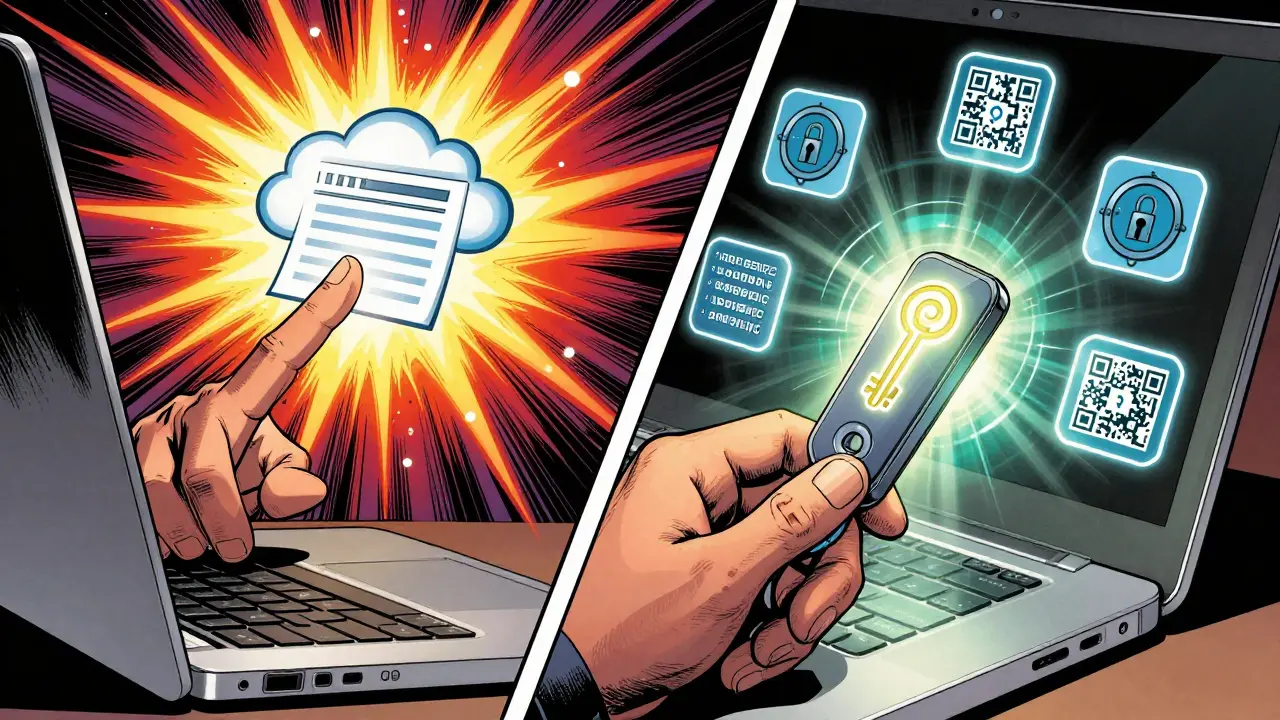
Priced at $70-$100, these small devices support FIDO2, U2F, and OpenPGP. You can use them to securely store your SSH keys, sign Ethereum transactions, or authenticate to your wallet. The private key never leaves the key. Even if your laptop is infected with malware, the attacker can’t extract it.
Yubico’s 2024 report shows 68% of enterprises now use these for employee access. On Reddit, a DevOps engineer reported that after switching 200 servers from RSA keys to ed25519 keys stored on YubiKeys, key-related security incidents dropped from 12 per quarter to zero over 18 months.
Use them for:
- Signing transactions in MetaMask via WebUSB
- Storing SSH keys for server access
- Authenticating to your cold wallet management interface
Just don’t leave them plugged in. Store them in a safe place when not in use. Treat them like a house key-not something you leave on your desk.

Key Type Matters: Use ed25519, Not RSA
Not all private keys are created equal. If you’re generating new keys in 2026, use ed25519.
ed25519 is an elliptic curve algorithm that offers the same security as a 3072-bit RSA key-but with a 256-bit key size. That means faster signing, smaller files, and lower computational load. OpenSSH has recommended it since 2014. NIST endorses it. And every modern blockchain wallet supports it.
Compare that to RSA-2048, which is already considered weak by today’s standards. Or ECDSA, used in Bitcoin, which has known vulnerabilities under side-channel attacks.
Generating an ed25519 key is simple:
- On Linux/macOS:
ssh-keygen -t ed25519 -C "[email protected]" - On Windows: Use PuTTYgen and select Ed25519 as the key type
Always protect the private key file with a strong passphrase-even if you’re using a YubiKey. That passphrase is your second layer of defense.
Physical-Key Encryption: The Future Is Here
A new trend emerging in 2026 is physical-key encryption systems-devices that require a physical token to unlock encrypted keys.
Ciphertex SecureNAS Enterprise, for example, stores keys in encrypted form on a server. But to decrypt them, you must insert a physical USB key. No key = no access. Even if the server is hacked remotely, the keys stay locked.
This isn’t just for governments. Healthcare providers and crypto custodians are adopting it because it adds two-factor authentication by design. The key is something you have. The passphrase is something you know. Both are required.
It’s not perfect-managing dozens of these keys across a team is messy. But for high-value assets, it’s the closest thing to a foolproof system.
What Not to Do
Here are the top mistakes people make-and how to avoid them:
- Never store keys in cloud drives. Dropbox, Google Drive, iCloud-none of them are secure enough. Even encrypted folders can be accessed if your account is compromised.
- Never share keys. Brandon Checketts, an SSH security expert, says it plainly: “You should never share your private key with anybody. Ever.” Shared keys mean no accountability. If something goes wrong, you can’t tell who did it.
- Never commit keys to GitHub. A single accidental push can cost hundreds of thousands. Use .gitignore religiously. Scan your repos with tools like TruffleHog or GitGuardian.
- Never reuse passphrases. Your key passphrase should be unique, 12+ characters, and include symbols. Don’t use your Bitcoin wallet password for your SSH key.
- Never rely on “non-exportable” flags. Tools like certutil -importPFX NoExport sound secure, but many apps bypass them. They’re a convenience, not a security measure.
Implementation Checklist for 2026
Here’s what a solid private key storage setup looks like:
- Use ed25519 keys for all new systems.
- Store keys on a YubiKey or similar hardware token.
- Protect the hardware token with a strong, unique passphrase.
- Keep the hardware token offline when not in use.
- For organizations: Deploy HSMs for validator nodes, exchange wallets, or smart contract signing.
- Enable automated key rotation every 90 days.
- Monitor for unauthorized key usage with logging tools like Auditd or Wazuh.
- Train everyone who touches keys: developers, ops, support. Culture matters as much as tech.
What About Cloud Key Services Like AWS KMS?
Cloud providers like AWS, Azure, and Google Cloud offer managed key services. They’re convenient, scalable, and integrate well with apps.
But here’s the catch: you’re trusting the cloud provider with your key. If AWS has a breach, your key is exposed. If you misconfigure IAM policies, someone else might access it.
Cloud KMS is fine for low-risk applications or as a backup. But for high-value assets-like a DAO treasury or a validator with 32 ETH-it’s not enough. Use it alongside hardware, not instead of it.
According to IDC, 76% of cloud-native companies use AWS KMS. But 94% of financial firms still use HSMs. The difference? Risk tolerance.
Final Thought: Security Is a Process, Not a Product
There’s no magic bullet. A YubiKey won’t save you if you write down the PIN on a sticky note. An HSM won’t help if you let a contractor install it without training.
Successful key storage combines three things:
- Hardware to keep keys safe from remote attacks
- Policy to limit who can access them and when
- Culture to make people treat keys like gold, not passwords
The 2025 Cybersecurity Supply Chain Risk Management report says 92% of key breaches stem from human error or process failure-not broken cryptography. The math is simple: strong algorithms + poor practices = disaster.
So don’t just buy a YubiKey. Build a system around it. Document it. Train your team. Audit it quarterly. And never assume someone else is handling it for you.
Because in blockchain, your private key isn’t just a file. It’s your identity. Your wealth. Your legacy.
Can I store my private key on a USB drive?
Yes, but only if the key is encrypted with a strong passphrase and the USB drive is kept offline. Never store it unencrypted. Even then, a USB drive is vulnerable to malware if plugged into an infected computer. Hardware tokens like YubiKey are far safer because the key never leaves the device.
What’s the difference between a hardware wallet and a hardware security module (HSM)?
A hardware wallet (like Ledger or Trezor) is designed for end users to sign cryptocurrency transactions. An HSM is a server-grade device built for enterprises to manage keys at scale. Both keep keys secure, but HSMs offer higher performance, compliance certifications (FIPS 140-2), and integration with enterprise systems like PKI and SSH. Hardware wallets are simpler; HSMs are more powerful.
Is it safe to use a password manager to store private keys?
No. Password managers are convenient for passwords, but they’re not designed for cryptographic key storage. If your password manager is compromised, your keys are exposed. Also, many password managers sync across devices, increasing the attack surface. Use hardware tokens instead.
How often should I rotate my private keys?
Rotate keys every 90 days for high-value systems like validator nodes or smart contract signers. For personal wallets, rotate only if you suspect compromise or if you’re changing devices. Automated rotation tools like HashiCorp Vault or SSH Certificate Authorities can help manage this without manual effort.
Can quantum computers break private keys?
Current elliptic curve keys (like ed25519) are vulnerable to future quantum attacks. But quantum computers powerful enough to break them don’t exist yet-Google’s 1,000-qubit processor in 2024 is still far from breaking 256-bit ECC. NIST is already standardizing post-quantum algorithms like CRYSTALS-Kyber, which will replace ECC in the next 5-7 years. For now, ed25519 is still secure. Just plan for migration later.
What should I do if I lose my YubiKey?
If you have a backup key stored securely (like a second YubiKey in a safe), use that. If not, and the key controls a wallet, you’re locked out. That’s why you should always have a recovery method: a multisig setup, a paper backup of the seed phrase, or a threshold-based recovery system. Never rely on a single hardware key without a backup plan.
Callan Burdett
January 17, 2026 AT 06:02YubiKeys are literally the only reason I haven’t lost my life savings to some sketchy phishing link. I used to store keys on my laptop like a dumbass - now I keep my YubiKey in a tin box with my emergency cash. Best $80 I ever spent.
Also, if you’re still using RSA… just stop. 😅
Haley Hebert
January 18, 2026 AT 09:20I know this sounds super basic but I just want to say - if you’re reading this and you haven’t set up a hardware key yet, please don’t wait. I watched a friend lose $40k because they saved their key in a Google Doc labeled ‘important stuff lol’ - and yes, that was the actual filename. I cried. You don’t have to be a tech wizard to protect yourself. Just buy a YubiKey. Put it in your wallet. Don’t plug it in unless you’re signing something. That’s it. You’re already safer than 90% of people out there. I’m so proud of you for even thinking about this. 💛
Pat G
January 20, 2026 AT 03:05YubiKey? Please. That’s just a toy for people who think they’re secure. Real security is air-gapped machines, Faraday cages, and burning your seed phrases on titanium plates buried under your house. If you’re trusting anything with a USB port, you’re already compromised. The government, the crypto bros, the cloud providers - they’re all watching. You think your YubiKey is safe? It’s got firmware. Firmware can be backdoored. Wake up.
And don’t even get me started on ed25519 - it’s just a new flavor of the same poison.
Rod Petrik
January 22, 2026 AT 00:21you ever notice how every 'expert' says 'use a yubkey' like its magic
but no one talks about how the same companies that make yubikeys work with the nsa
and how the firmware is closed source
and how they've been caught hiding backdoors before
and how if you plug it in your laptop is still infected
and how quantum computers will break ed25519 in 2028 anyway
you're all just being manipulated into buying overpriced usb sticks
the real solution is paper + fire + no internet ever
and stop trusting 'standards'
they're just corporate lies with fancy logos
:(
Pramod Sharma
January 23, 2026 AT 05:02Security isn’t about tools. It’s about habits.
YubiKey? Great. But if you leave it plugged in 24/7, you’re just delaying the inevitable.
Know your risk. Own your actions. No device replaces discipline.
Liza Tait-Bailey
January 23, 2026 AT 23:35i just bought my first yubkey after reading this and honestly?? i feel like a new person
my keys are no longer on my laptop (rip old habits)
and i even wrote down my backup seed phrase on paper and hid it in a book like in the movies
no cloud, no password manager, no ‘i’ll remember it’
and yes i spelled ‘yubkey’ wrong in my cart at first 😅
but i got it now
you guys are the real MVPs
nathan yeung
January 24, 2026 AT 10:22Just wanted to add - if you’re using a YubiKey for Ethereum, make sure you’re using the WebUSB version in MetaMask. Some people think just plugging it in is enough, but you still need to enable the right settings. Also, don’t forget to test your backup recovery before you actually need it. Better to find out it’s broken now than when your wallet’s empty.
Bharat Kunduri
January 24, 2026 AT 18:25ok but why are we still talking about yubikeys like they're the future when we all know the real answer is just not owning crypto in the first place
also i saw a guy on twitter get hacked because he used a yubikey but still typed his password into a fake site
so what was the point
also ed25519 is just a buzzword
and hsm? who has 50k to spend on a brick
just use a usb drive and call it a day
and dont tell me about 'best practices' i've seen more scams than actual secure wallets
and also why does everyone ignore that 90% of breaches are from insiders
so yubikey is useless if your coworker is a rat
just sayin'
Chris O'Carroll
January 26, 2026 AT 14:57Let me get this straight - you’re telling me the solution to $600M in theft is… a $100 USB stick?
That’s it?
No AI monitoring? No blockchain-based key escrow? No decentralized vault? No quantum-resistant hologram?
Just… YubiKey?
That’s the ‘gold standard’?
Bro. I’m not impressed.
Also, I tried to use mine once and it didn’t work on my Linux machine because ‘unsupported driver’ - so now I just use a sticky note behind my monitor. Same thing, really.
Christina Shrader
January 28, 2026 AT 07:02I’m not a techie, but I manage a small DAO treasury. We switched to HSMs last year. The setup was brutal - took three months, three consultants, and one existential crisis. But now? Zero incidents. No panic. No late-night calls. The peace of mind? Worth every penny. Don’t wait until you’re bleeding to fix your security. Build it like you mean it.
Andre Suico
January 28, 2026 AT 07:23For enterprise deployments, HSMs are non-negotiable. However, the implementation details matter more than the hardware itself. Ensure key rotation is automated, access logs are immutable, and personnel are trained to treat keys as classified assets - not IT tickets. A YubiKey is excellent for individuals, but scaling requires governance, not gadgets. Also: never use the same passphrase across devices. Ever.
Chidimma Okafor
January 30, 2026 AT 02:59My heart swells reading this - finally, someone speaks truth without jargon! In Nigeria, we’ve lost so many to crypto scams because people treat keys like birthday passwords. I’ve started teaching elders in my community to use YubiKeys with printed backup sheets in sealed envelopes. One aunty now says, ‘My money is sleeping in a metal box, not on my phone.’ That’s victory. Let’s not just secure assets - let’s secure dignity. 🌍💛
Bill Sloan
January 30, 2026 AT 16:06Wait - so if I use a YubiKey and an HSM and ed25519 and a Faraday cage… does that mean I can finally stop checking my wallet every 10 minutes??
Also, can I use this setup to sign my Netflix password? Just asking for a friend.
Also also - anyone else notice how the more secure you get, the less you actually use crypto? Like… is this the universe’s way of saying ‘maybe don’t do this’? 😅
ASHISH SINGH
February 1, 2026 AT 06:23ed25519 is just a distraction - the real threat is the algorithmic mind control embedded in every device you own
the yubikey is a placebo for the gullible
the hsm is a corporate puppet
and the 'recovery phrase' is a trap - because they want you to think you have control
quantum computing is already here - they just don't tell you
your keys are already stolen
you're just not awake yet
the system doesn't want you secure - it wants you to believe you are
wake up
they're watching
Vinod Dalavai
February 2, 2026 AT 10:53Been using YubiKeys for my dev work since 2023. Best thing I did. I even gave one to my mom so she can safely use her crypto wallet. She doesn’t know what ‘ed25519’ means, but she knows not to plug it in unless I’m there. That’s the real win - making security simple enough for anyone. No drama. No panic. Just plug and go. 🙌
Anthony Ventresque
February 3, 2026 AT 11:59One thing I haven’t seen mentioned - what about key derivation? If you’re using a YubiKey, are you deriving keys from a master seed or generating them directly on the device? Because if it’s the former, you’re still relying on software for the derivation step, which opens a backdoor. The real gold standard is generating keys inside the HSM or YubiKey and never exposing the seed at all. Just a thought - I’ve been burned before by ‘secure’ tools that weren’t.