

Why Your NFT Could Vanish Overnight
You minted that rare digital artwork. You paid the gas fees. You celebrated the sale. But here is the scary part: if you stored your NFT metadata on a centralized server like Amazon S3 or Google Cloud, that link can break. If the server goes down, gets hacked, or the owner deletes the file, your token points to nothing. It becomes a broken image icon. This happens more often than you think.
This is why the Web3 community has shifted toward IPFS (InterPlanetary File System). It is not just a buzzword; it is the standard for keeping your digital assets alive forever. Unlike traditional web links that point to a location (like a street address), IPFS points to content itself (like searching by name). This means the data stays accessible as long as someone in the network keeps it pinned.
In this guide, I will walk you through exactly how to use IPFS for your NFT metadata, which tools to pick, and how to avoid the common pitfalls that turn valuable collections into worthless tokens.
What Is IPFS and Why Does It Matter for NFTs?
To understand why we use IPFS, we first need to look at how the regular internet works. The World Wide Web uses HTTP. When you visit a website, your browser asks a specific server for a file. If that server is offline, you get an error. This is called "location-based addressing." It creates a single point of failure.
IPFS changes this model completely. It uses "content-based addressing." Every file uploaded to IPFS gets a unique cryptographic hash called a CID (Content Identifier). This CID acts as a fingerprint for your data. If even one byte of your file changes, the CID changes. This ensures immutability-once your metadata is hashed, it cannot be altered without changing its address.
For NFTs, this is critical. An NFT’s smart contract holds a URI (Uniform Resource Identifier) pointing to the metadata. If that URI points to a mutable HTTP link, the owner of the server can change the image from a golden monkey to a picture of a cat. With IPFS, the URI points to a CID. The network verifies the content matches the hash before displaying it. This guarantees authenticity.
Preparing Your NFT Metadata JSON
Before uploading anything to IPFS, you need to structure your data correctly. Most NFT standards, like ERC-721 and ERC-1155, expect a specific JSON format. This JSON file contains the "metadata"-the details that describe your asset.
A typical metadata JSON file looks like this:
{
  "name": "Cosmic Ape #001",
  "description": "A rare ape exploring the galaxy.",
  "image": "ipfs://QmXyZ...hash_of_image",
  "attributes": [
    {
      "trait_type": "Background",
      "value": "Space"
    },
    {
      "trait_type": "Eyes",
      "value": "Laser"
    }
  ]
}
Notice the "image" field. Many beginners make the mistake of putting a local file path (like `C:/Users/David/image.png`) or a temporary URL here. Instead, you must upload your image to IPFS first, get its CID, and then paste that `ipfs://` link into your JSON file. After that, you upload the JSON file itself to IPFS to get the final metadata CID. This final CID is what you put into your smart contract during minting.

Choosing the Right IPFS Pinning Service
Here is the catch with IPFS: it is a peer-to-peer network. Just because you upload a file doesn't mean it stays there forever. Nodes in the network store files temporarily. If no one "pins" your file, it eventually disappears from the cache. Pinning means a dedicated node promises to keep your data online indefinitely.
You have three main options for pinning your NFT metadata:
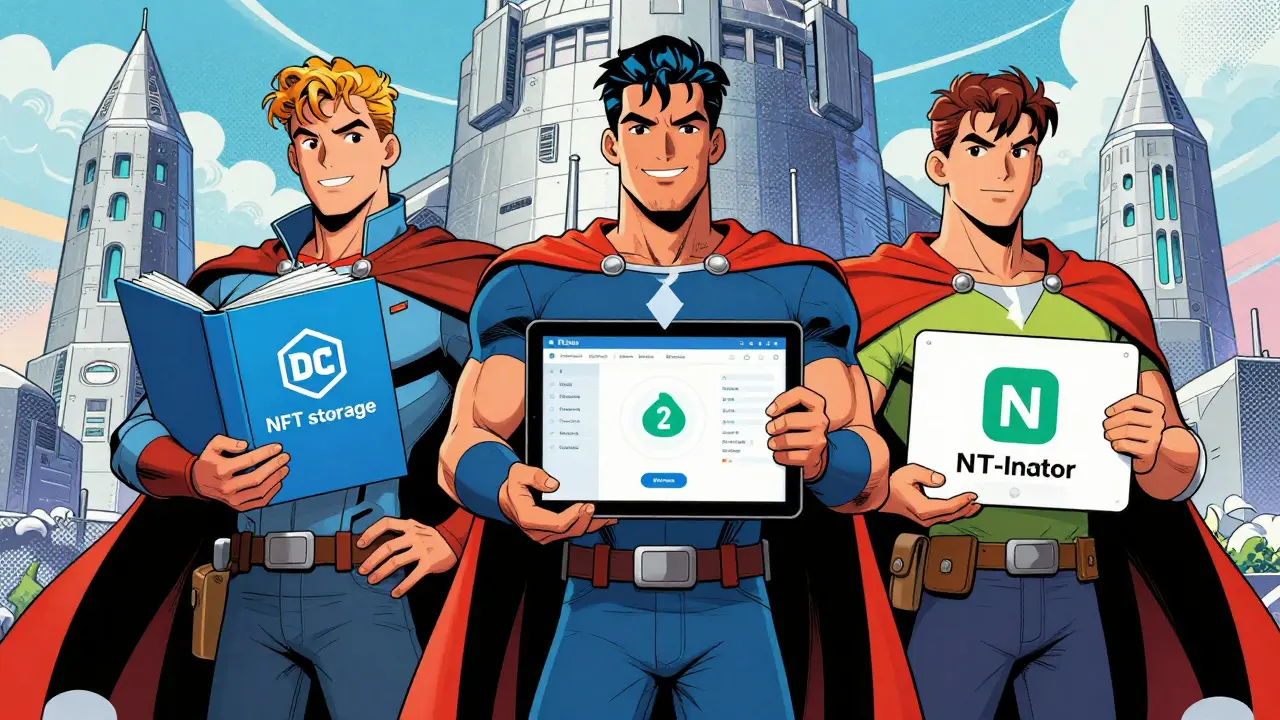
- NFT.Storage: Best for developers and small projects. It offers a generous free tier and integrates easily with code. It is built by the Filecoin Foundation, so it has strong ties to the decentralized storage ecosystem.
- Pinata: The enterprise choice. Pinata offers a user-friendly dashboard, API access, and analytics. It is widely used by large collections because of its reliability and customer support. They have both free and paid plans.
- NFT-Inator: Ideal for non-technical creators. This tool automates the entire process. You upload your images and traits, and it generates the JSON, uploads everything to IPFS, and gives you the CIDs. No coding required.
| Feature | NFT.Storage | Pinata | NFT-Inator |
|---|---|---|---|
| Best For | Developers / Small Projects | Enterprise / Large Collections | No-Code Creators |
| Free Tier | Yes (Generous) | Yes (Limited) | Yes (Basic) |
| Technical Skill Needed | Medium (API/CLI) | Low-Medium (Dashboard/API) | None (Drag & Drop) |
| Automation | Manual / Code | API Integrations | Fully Automated |
Step-by-Step: Uploading Metadata to IPFS
Let’s walk through the process using a manual approach, which helps you understand what is happening under the hood. Whether you use Pinata’s dashboard or write a script, the logic remains the same.
Step 1: Upload Your Media Files
First, gather all your images, videos, or audio files. Upload them to your chosen IPFS provider. If you are using Pinata, you can drag and drop files into their dashboard. Once uploaded, copy the CID provided. It will look something like `QmYwAPMw...`. Prepend `ipfs://` to create the full URI: `ipfs://QmYwAPMw...`.
Step 2: Create the JSON Metadata
Create a JSON file for each NFT. Paste the IPFS URIs from Step 1 into the `image` field. Fill in the name, description, and attributes. Save these files locally.
Step 3: Upload the JSON Files
Now, upload the JSON files to IPFS. Again, copy the resulting CID. This is the metadata CID. This is the only link you need for your smart contract.
Step 4: Verify the Link
Before deploying your contract, test the link. Go to a public gateway like `ipfs.io/ipfs/YOUR_CID`. You should see your JSON data displayed in the browser. If you see an error, double-check your JSON syntax. A missing comma can break the whole thing.
Common Pitfalls and How to Avoid Them
Even experienced developers mess up IPFS implementation. Here are the most frequent errors:
- Using Gateway URLs instead of CIDs: Some people paste `https://gateway.pinata.cloud/ipfs/Qm...` into their smart contract. While this works initially, gateways can go offline or charge fees later. Always use the protocol-relative `ipfs://` scheme in your contract. Let the wallet or frontend handle the gateway resolution.
- Forgetting to Pin: As mentioned, unpinned data vanishes. If you run your own node, ensure your pinning service is active. If you use a third party, check their status page regularly.
- Large File Sizes: IPFS handles large files, but splitting them into chunks is better for performance. If you have a 4K video, consider compressing it or storing the heavy media on Arweave or Filecoin while keeping the lightweight metadata JSON on IPFS.
- Mutable Attributes: Remember, IPFS is immutable. If you want to update an NFT’s attributes later (e.g., in a gaming context where a character levels up), you cannot change the existing JSON. You must create a new JSON, upload it to get a new CID, and then update the smart contract to point to the new CID. This requires a function in your contract that allows the owner or admin to update the token URI.
Cost and Performance Considerations
One myth about IPFS is that it is expensive. In reality, services like NFT.Storage offer significant free allowances. For a collection of 1,000 items, you might not pay a dime. Pinata’s paid plans start around $20/month, which is negligible compared to the risk of losing your collection.
Performance-wise, IPFS can be slower than centralized servers for initial uploads. However, retrieval speeds are improving thanks to better gateway infrastructure. For end-users viewing your NFT on OpenSea or Magic Eden, the difference is barely noticeable. The trade-off between slight latency and permanent security is well worth it.
The Future of NFT Metadata
As the industry matures, we are seeing hybrid models emerge. Some projects use IPFS for the core metadata but offload large assets to specialized storage solutions. We also see the rise of on-chain metadata standards, where smaller data sets are stored directly on the blockchain to eliminate external dependencies entirely. However, for now, IPFS remains the backbone of NFT infrastructure.
By mastering IPFS, you are not just storing files; you are participating in the decentralization of the web. You are ensuring that your digital art, music, or collectibles survive beyond the lifespan of any single company or server. That is the promise of Web3, and it starts with getting your metadata right.
What happens if I don't pin my IPFS files?
If you do not pin your files, they may disappear from the IPFS network over time. IPFS is a peer-to-peer system where nodes store data temporarily. Without a dedicated node promising to keep your data (pinning), garbage collection processes will remove unpinned files to save space, causing your NFT links to break.
Can I edit my NFT metadata after uploading to IPFS?
No, IPFS is immutable. Once a file is uploaded and hashed, it cannot be changed. To "edit" metadata, you must create a new version of the JSON file, upload it to get a new CID, and then update your smart contract to point to this new CID. This requires a specific function in your contract code.
Is IPFS free to use for NFTs?
Many IPFS pinning services offer free tiers suitable for small projects. For example, NFT.Storage provides substantial free storage. However, for large collections or enterprise needs, you may need to pay for premium services like Pinata to ensure higher reliability and support.
Should I use ipfs:// or https:// in my smart contract?
You should always use the `ipfs://` protocol in your smart contract. Using an HTTPS gateway URL ties your NFT to a specific provider that could go offline or change policies. Wallets and marketplaces know how to resolve `ipfs://` links to available gateways, ensuring maximum compatibility and longevity.
What is the difference between IPFS and Arweave for NFTs?
IPFS is a protocol for locating and distributing data, but it relies on pinning services for persistence. Arweave is a permanent storage solution where you pay once upfront, and the data is guaranteed to exist forever due to its endowment model. Both are popular for NFTs, but Arweave is often preferred for truly permanent, set-and-forget storage, while IPFS is more flexible for dynamic content.